
How to build a timeline of what happened and attach documents in your Fair Go case file.
Event log
The event log is a structured timeline of what happened and when: meetings, warnings, the dismissal itself, and any follow-up. Add entries in chronological order while details are still clear.
Open Event log from your case sidebar. Each entry can include a date, description, and links to related evidence.
Evidence
Upload documents in Evidence: termination letters, emails, messages, performance reviews, or medical certificates. Tag each file and link it to the events it supports.
Witnesses
Record people who saw key moments in Witnesses. You do not need every detail upfront — note names and what they observed, then expand later.
Good practices
- Stick to facts you can evidence rather than opinions alone
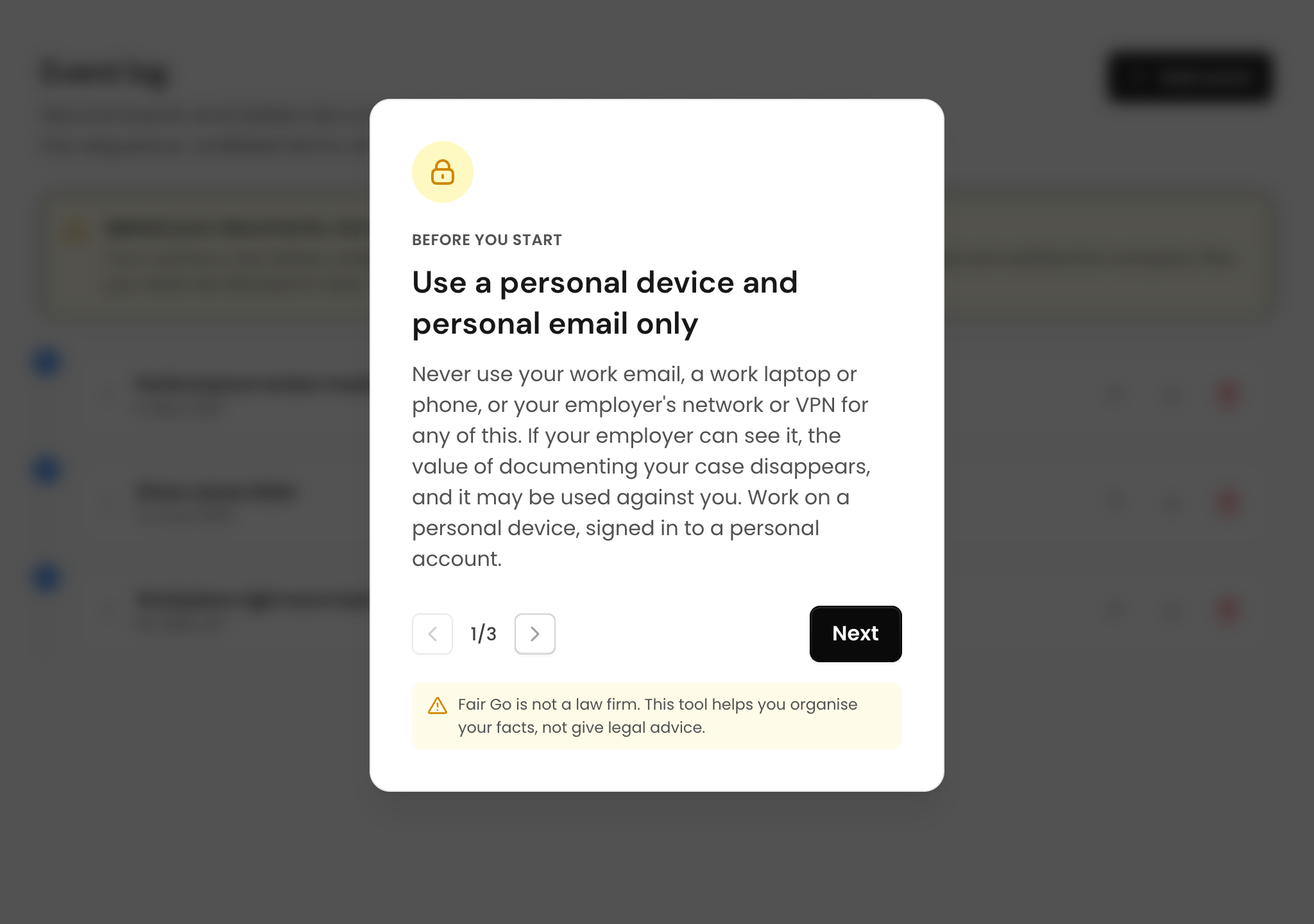
- Upload files from personal devices, not work systems you no longer access
- Link each document to at least one event where possible
- Review the documentation progress indicator to see what is still missing