
How Fair Go syncs your case across devices without being able to read your data.
Why sync is optional
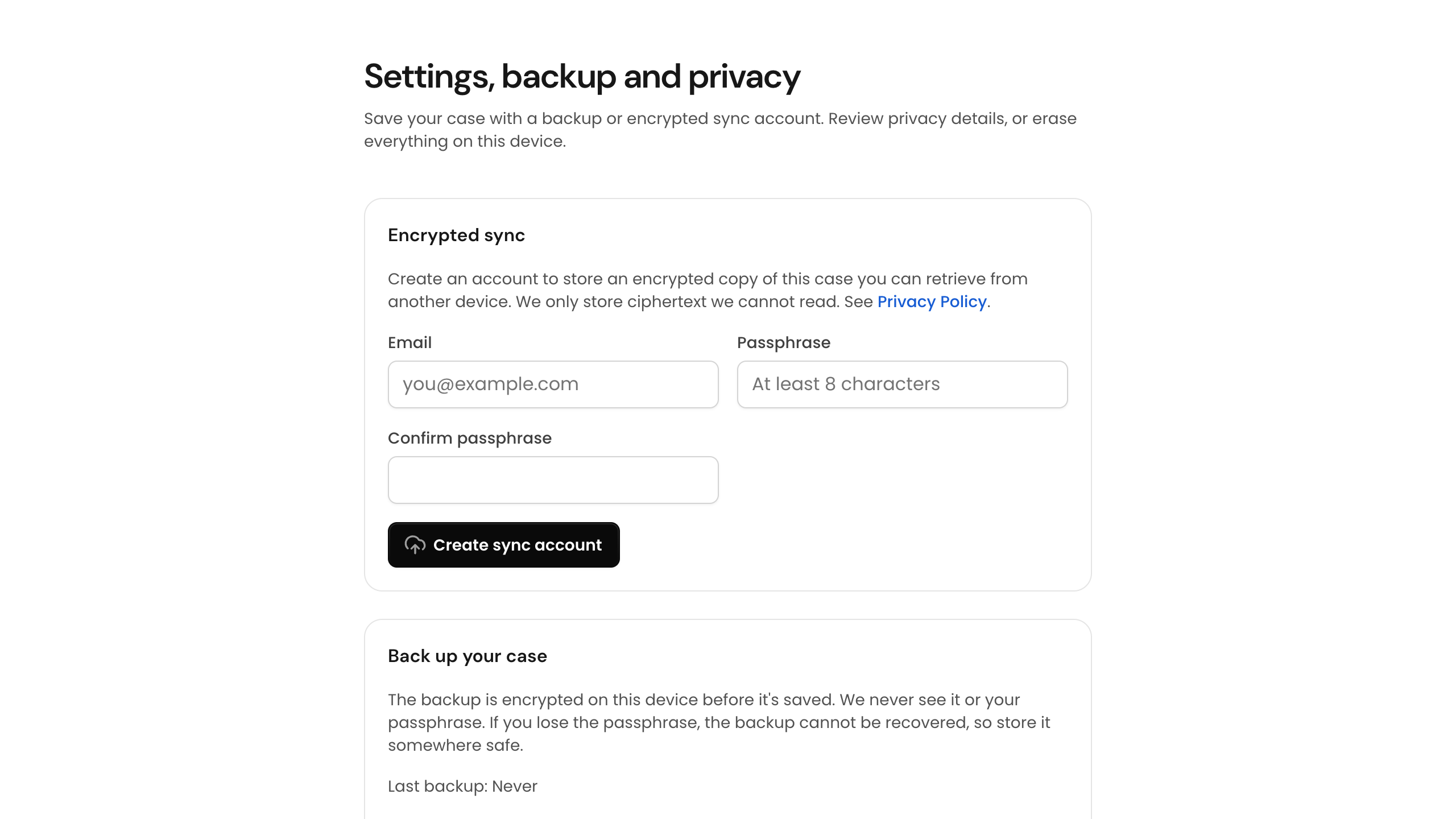
Fair Go works entirely on your device by default. Encrypted sync is optional — use it when you want the same case available on a phone, tablet, or another computer without manual recovery codes each time.
Zero-knowledge encryption
Your case file is encrypted on your device before anything is uploaded. Fair Go does not hold the keys and cannot decrypt your answers, documents, or timeline. We cannot sell or hand over data we cannot read.
Setting up sync
- Complete the eligibility check or open your case file
- Choose to enable sync when prompted, using a personal email address
- Sign in on other devices with the same account to pull your encrypted record
- Keep your recovery details safe in case you lose access to every signed-in device
What sync does not do
Sync does not give Fair Go access to your case contents, does not replace legal advice, and does not lodge claims with the Fair Work Commission. It only keeps your encrypted record consistent across your devices.