
How to open an existing Fair Go case on a new browser or device using your recovery details.
When to retrieve a case
Use retrieve when you started a case on one device and want to continue on another, or if you cleared your browser data and need to recover your encrypted record.
What you need
- The personal email address you used when saving the case
- Your case recovery code or sync credentials, depending on how you set up the case
- The same browser is not required — retrieval works on a new device
How to retrieve
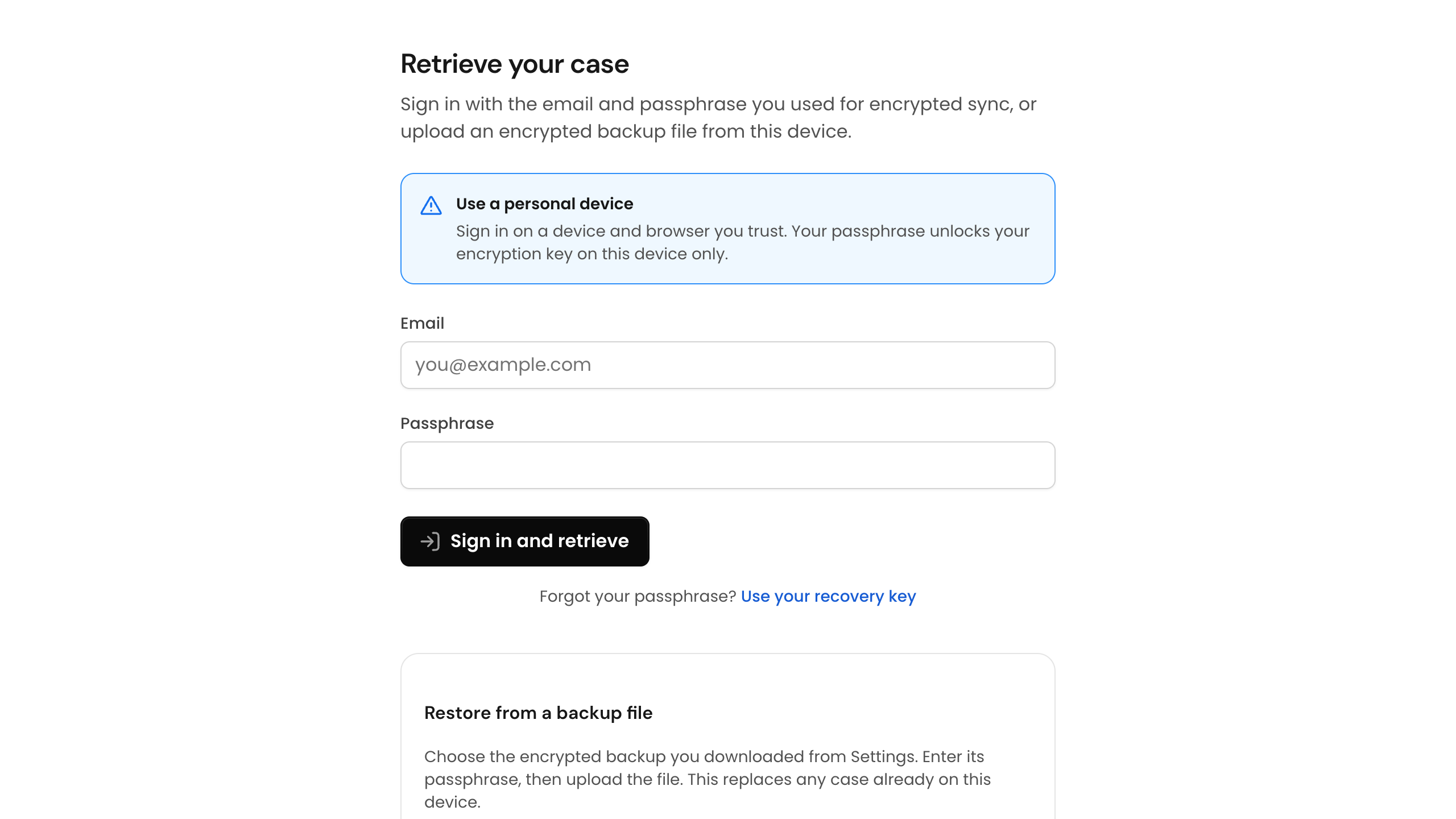
Open Retrieve case from the site header or go to /case/retrieve. Enter your recovery details and Fair Go will decrypt your case file locally on the new device.
If you enabled encrypted sync, sign in with the same account you used originally. Fair Go still cannot read your case contents — only your devices hold the keys.